A Guide to Virtual Environments Explainer Video by NotebookLM
7.4.1 Components of Virtual Environments
7.4.1 Understand the role and characteristics of common virtual environment components:
Virtual Machines:
- clients (virtual PC, virtual switch, virtual router)
- servers
Hypervisors:
- type 1
- type 2

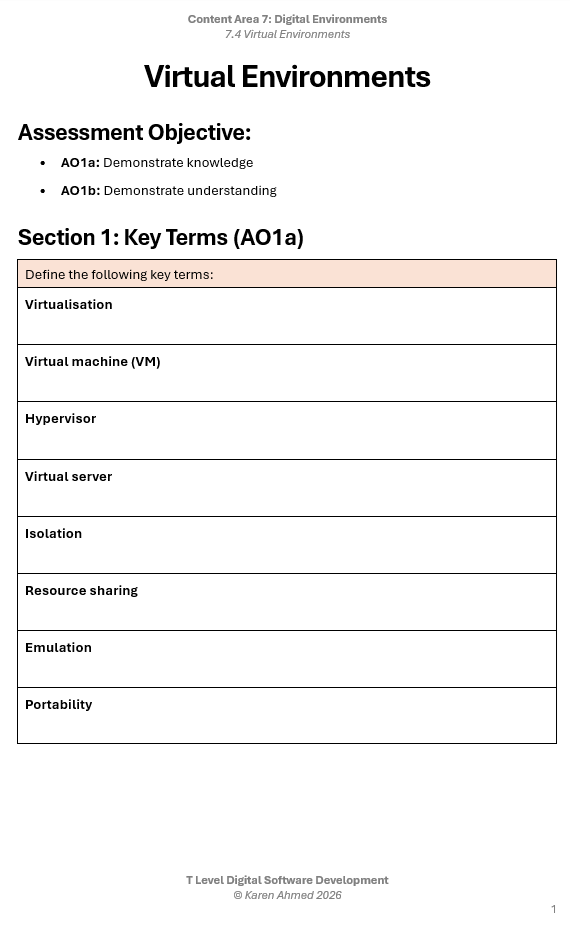
7.4.2 Key Features of Virtual Environments

7.4.2 Understand the key features of virtual environments:
- increased security
- managed execution
- sharing
- aggregation
- emulation
- isolation
- portability

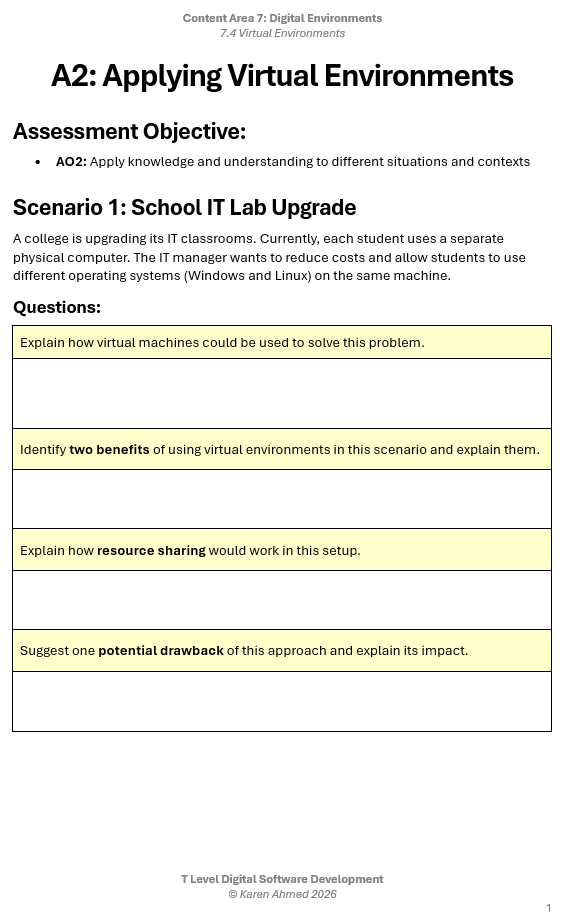
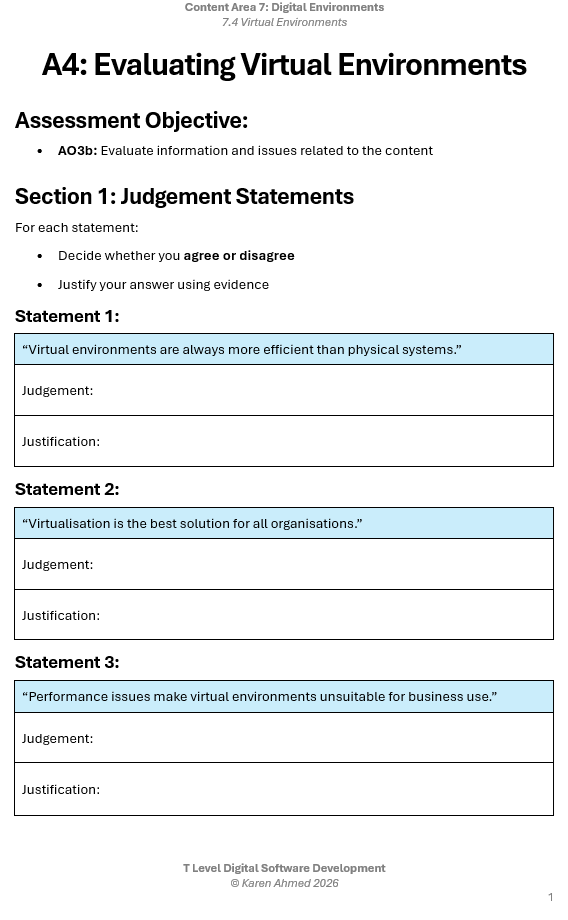
7.4.3 Benefits of Virtual Environments

7.4.3 Understand the benefits of the use of virtual environments:
- cost effectiveness for large environments
- easy management
- resilience
- potentially lower carbon footprint
- improved disaster recovery options
- better testing environments
- provision of education and training options

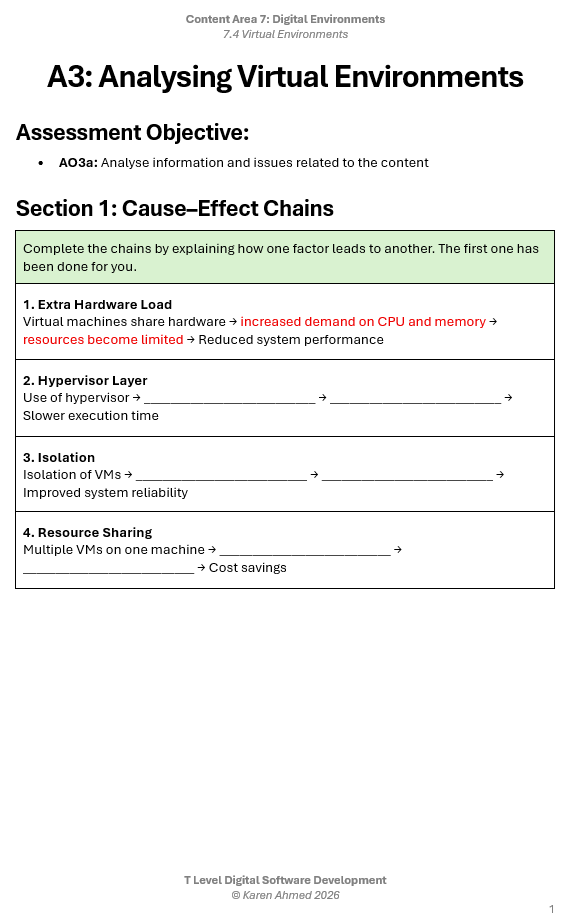
7.4.4 Drawbacks of Virtual Environments

7.4.4 Understand the drawbacks of the use of virtual environments:
- extra hardware load
- slower execution time
- potential for false representation of performance

Student Worksheets